
SHAREit Lite provides a robust solution for transferring photos, videos, documents, and apps without relying on mobile data or an unstable internet connection. Its core value lies in its simplicity and speed, offering a straightforward way to move content directly from one device to another, making it an indispensable tool for everyday digital communication and data management.
SHAREit Lite: An Overview
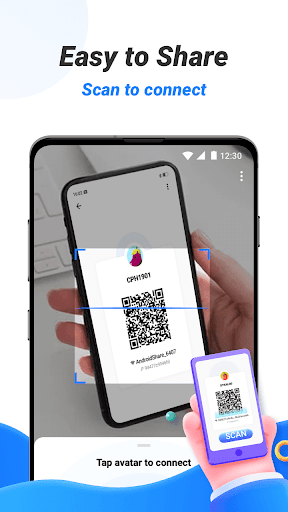
SHAREit Lite is a lightweight file-sharing application designed for the Android operating system. It functions as a cross-platform tool that enables users to send and receive a wide variety of files directly between mobile devices. Unlike traditional methods that use Bluetooth or internet-based cloud services, the application creates its own high-speed local Wi-Fi network to facilitate the transfer process. This approach ensures that file sharing is both rapid and data-efficient, preserving the user’s cellular data allowance.
High-Speed File Transfers
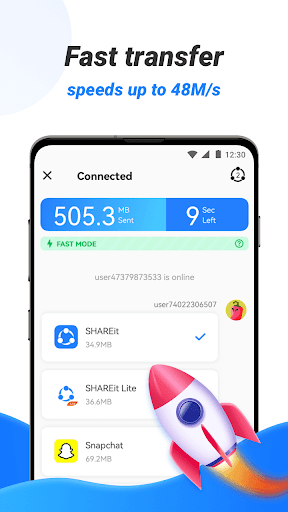
The application is engineered to prioritize transfer speeds, significantly outperforming conventional Bluetooth technology. By establishing a direct Wi-Fi connection between devices, it minimizes latency and allows for the swift movement of large files. Users can share a full-length high-definition movie or a large collection of high-resolution photos in a matter of minutes. This efficiency is particularly beneficial in situations where time is of the essence or when dealing with substantial amounts of data.
Offline Data Sharing
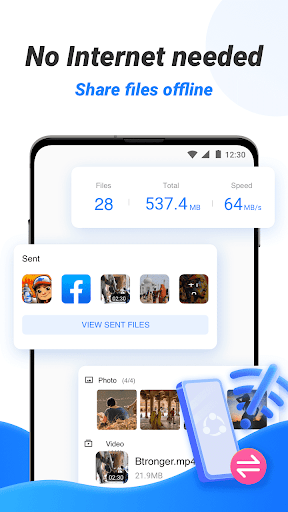
A fundamental characteristic of SHAREit Lite is its ability to operate completely offline. The transfer process does not consume any mobile data or require an active internet connection. This makes it an ideal solution for environments with poor network coverage, during travel, or for individuals who need to carefully manage their data plans. The offline functionality ensures that file sharing remains accessible and cost-effective for all users.
Cross-Platform Compatibility
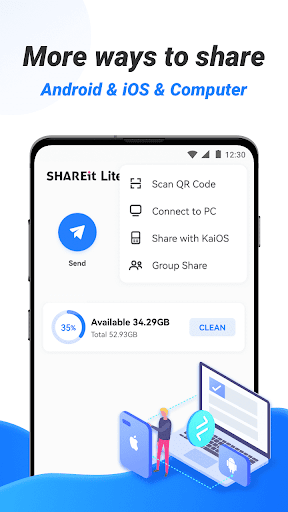
While designed for Android, the application supports connectivity with a range of other platforms. This includes iPhones, Windows PCs, and other devices that can run the SHAREit application. The cross-platform capability breaks down barriers between different operating systems, allowing for seamless data exchange within a diverse ecosystem of gadgets. A user can effortlessly send a file from an Android phone to an iPhone or to a laptop without compatibility issues.
User-Friendly Interface
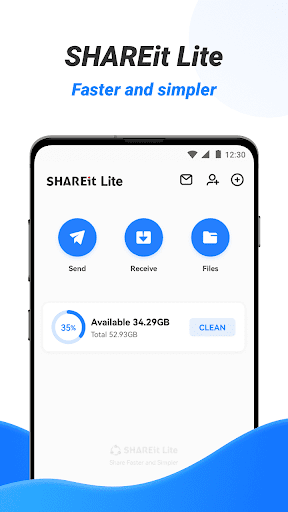
The application features a clean and intuitive interface that simplifies the file-sharing process. The main screen typically presents clear options to send or receive files, making the functionality immediately accessible even to less tech-savvy individuals. Navigating through the phone’s storage to select specific files for transfer is a straightforward process. The design prioritizes ease of use, reducing the number of steps required to complete a transfer.
Secure Transfer Environment
Security during file transfers is handled through the creation of a direct, peer-to-peer connection. Since the data does not pass through external servers or the public internet, the risk of interception is considerably reduced. The connection is often established in an encrypted manner, ensuring that personal photos, sensitive documents, and other private information remain confidential between the sender and the receiver.
Sharing Diverse File Types
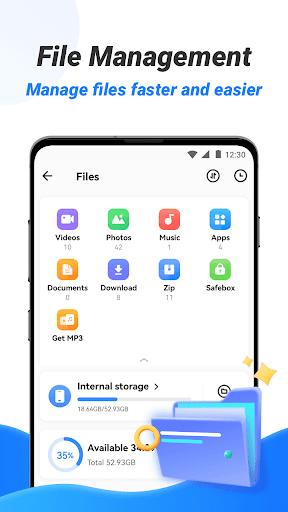
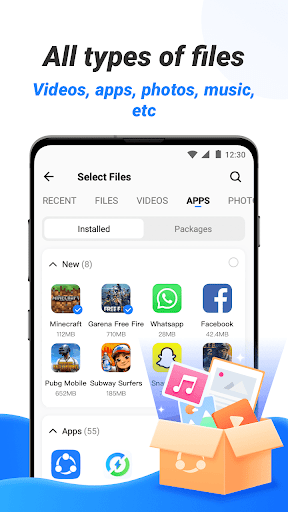
The utility of the application is broadened by its support for a comprehensive array of file formats. Users are not limited to just photos or videos; they can also share applications, music files, PDF documents, and various other file types. This versatility makes it a single tool for multiple sharing needs, from exchanging work documents to sending a favorite application to a friend.
Group Sharing Feature
Beyond one-to-one transfers, SHAREit Lite often includes functionality for sharing files with multiple devices simultaneously. This group sharing feature is useful in meetings, classrooms, or social gatherings where the same file, such as a presentation or a set of photos, needs to be distributed to several people at once. It enhances productivity and social sharing by connecting one device to many.